
License upload
The Allegro Network Multimeter comes with an installed License, which may have some limitations according to the support contract details. A new License can be uploaded by clicking the Upload new License button and selecting the file from your computer. A valid License takes immediate effect.
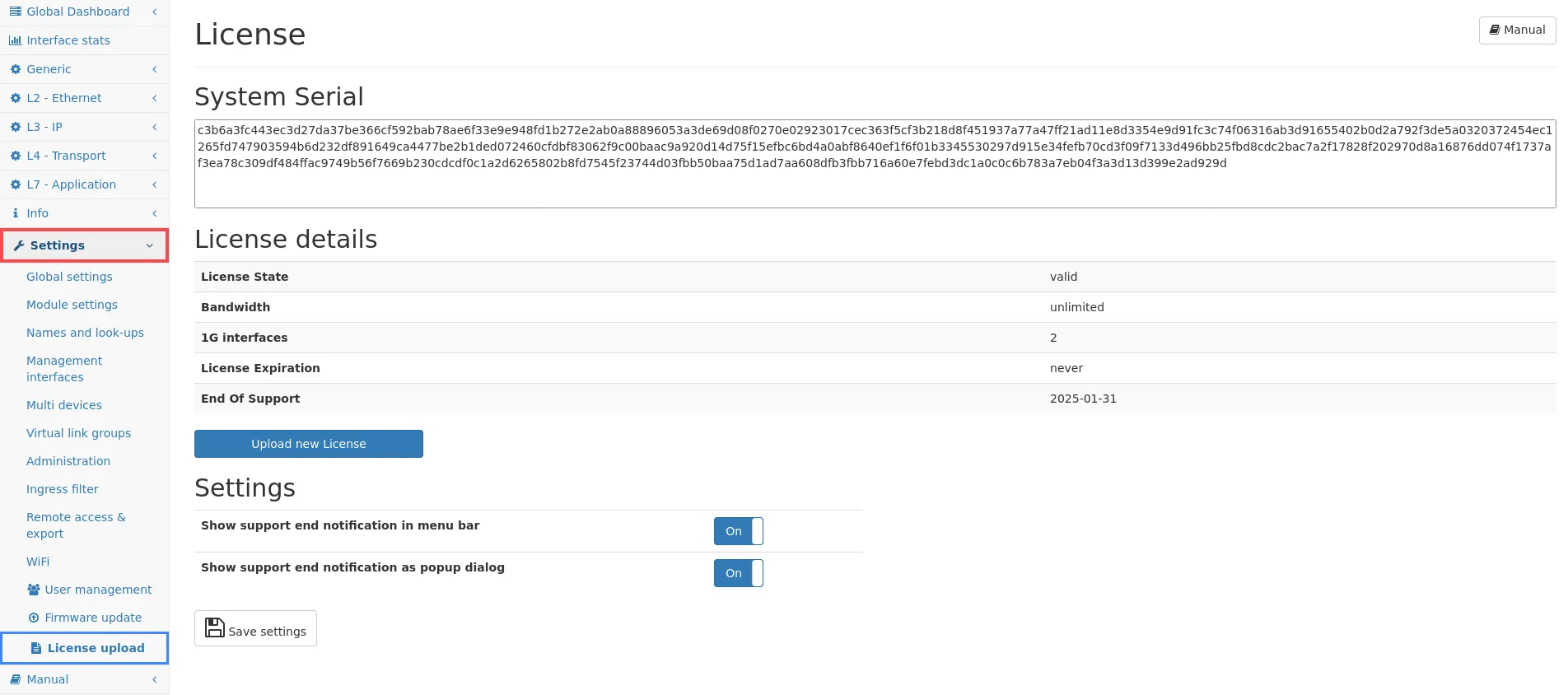
The shown System Serial needs to be sent to Allegro Packets in order to generate a new License if required.
In case of an invalid or expired License, the appliance will stop analyzing traffic; instead it will bypass all packets in Bridge mode to allow continued network connection.